
Minecraft Skins Library
Thousands of skins to browse, download and remix — or make one that actually looks like you.
 New
New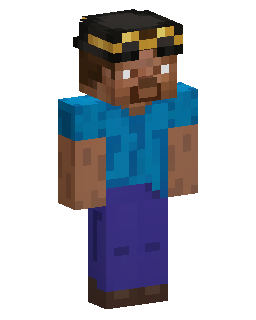 New
New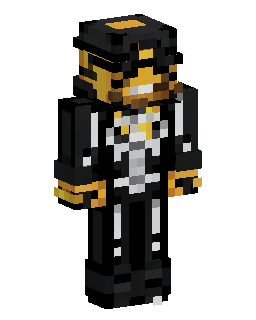 New
New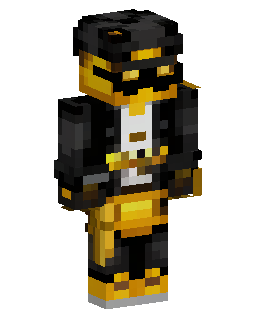 New
New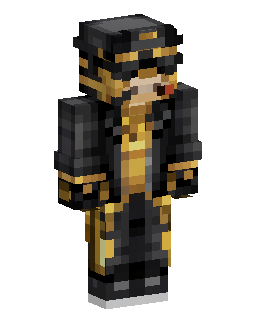 New
New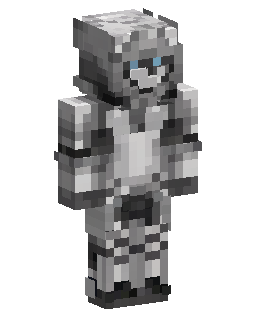 New
New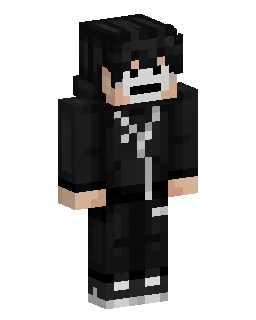 New
New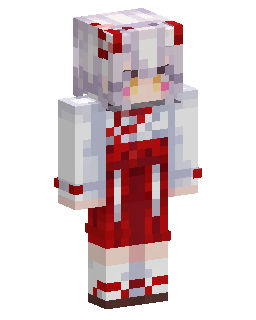 New
New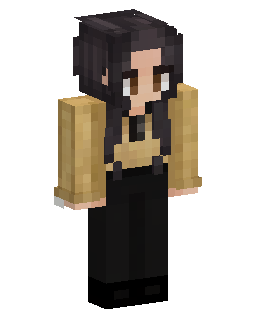 New
New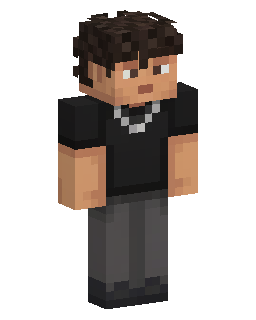 New
New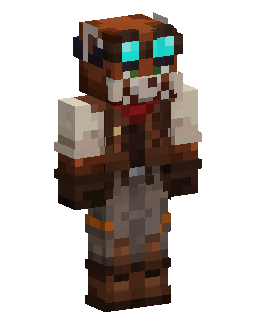 New
New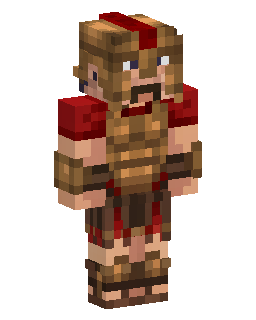 New
New
 New
New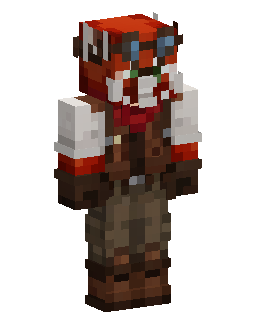 New
New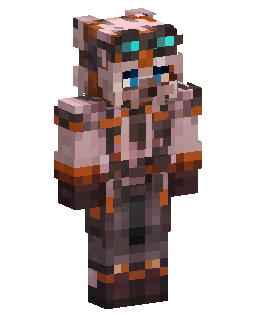 New
New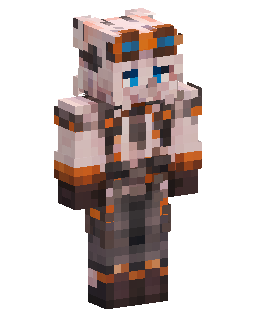 New
New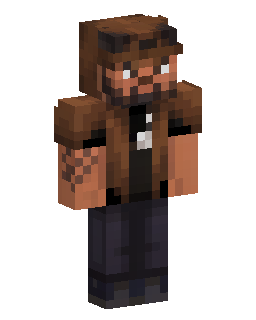 New
New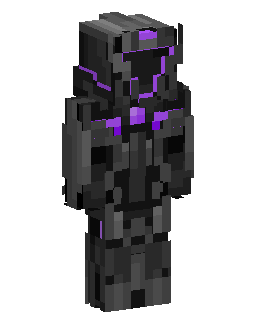 New
New
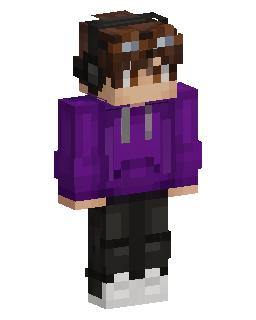 New
New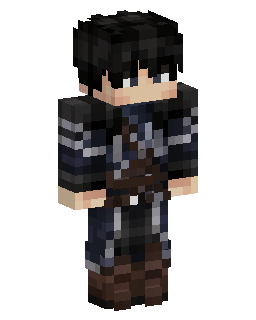 New
New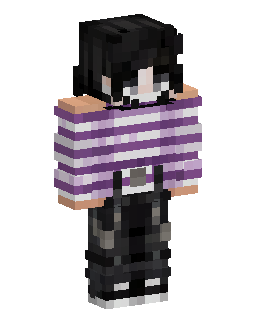 New
New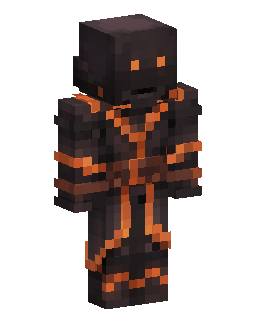 New
New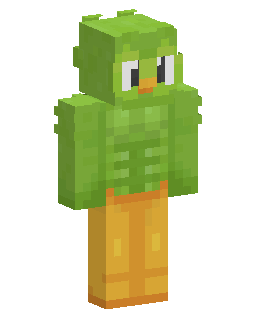 New
New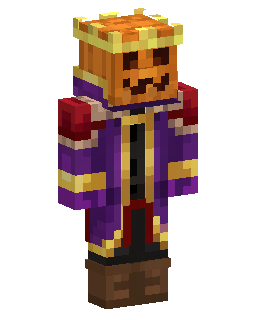 New
New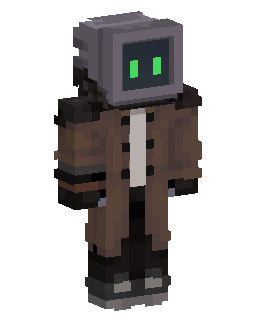 New
New New
New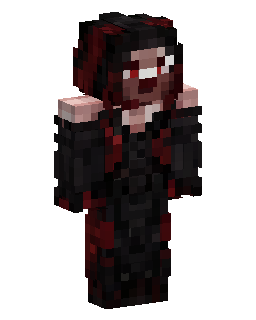 New
New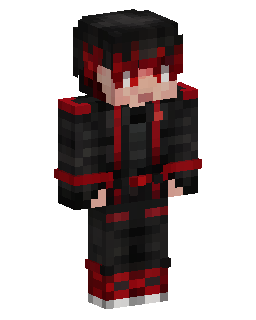 New
New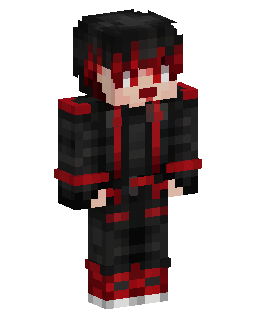 New
New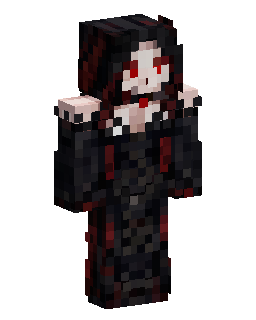 New
New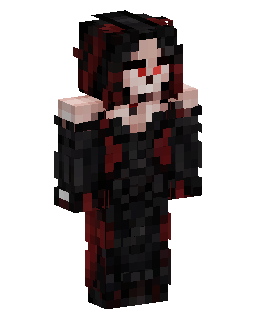 New
New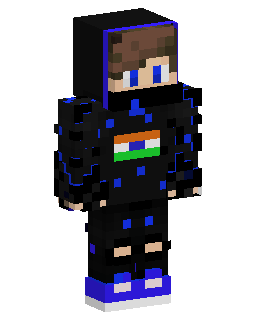 New
New
 Trending
 New
New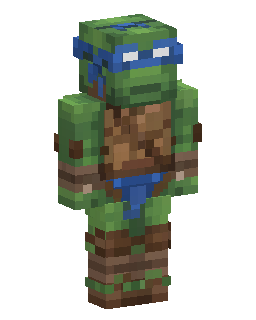 New
New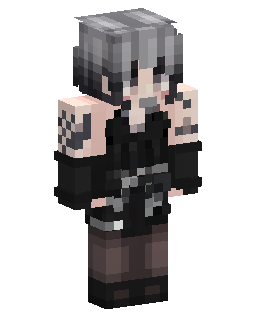 New
New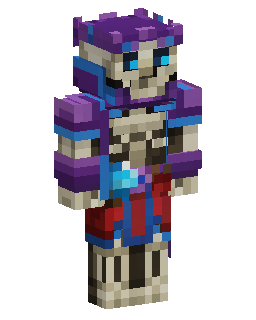 Trending
 New
New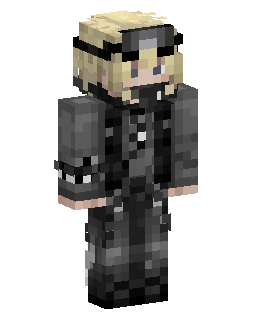 New
New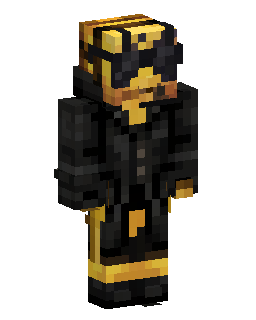 New
New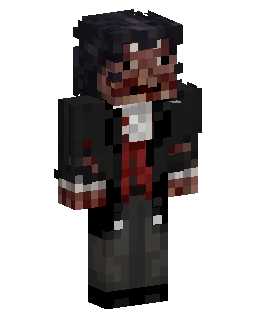 New
New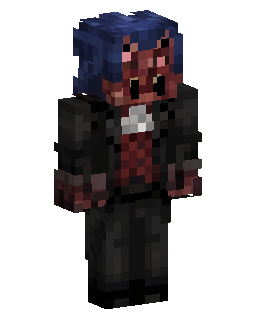 New
New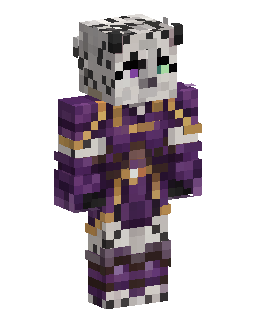 New
New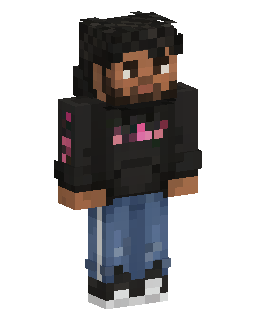 New
New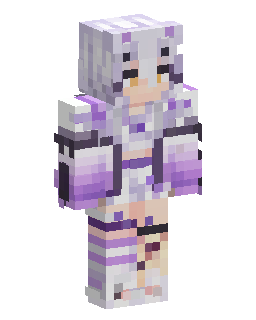 New
New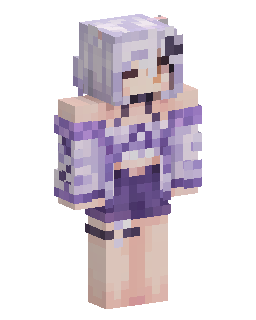 Trending
 Trending
 New
New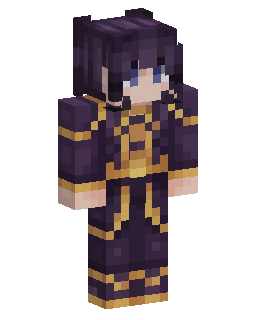 New
New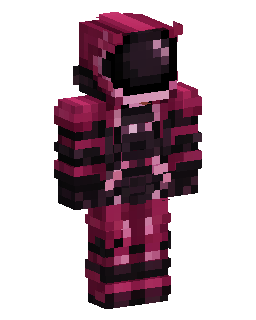 New
New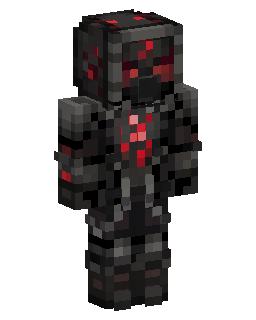 New
New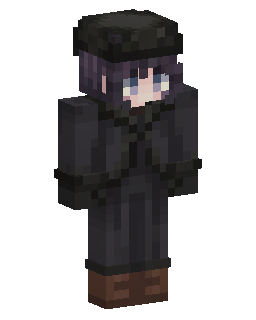 New
New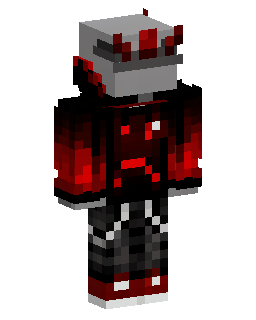 New
New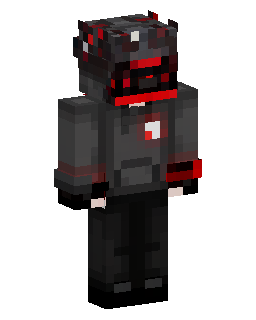 New
New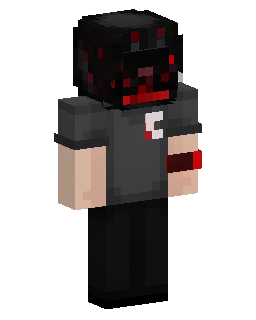 New
New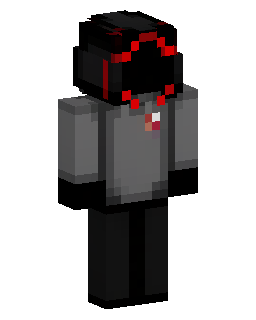 New
New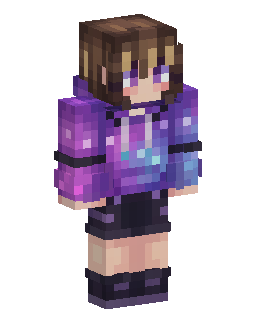 New
New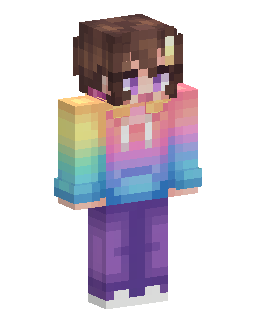 New
New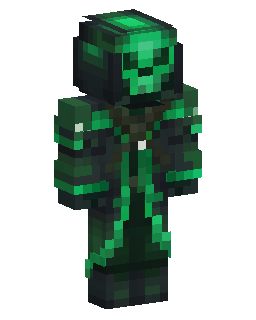 New
New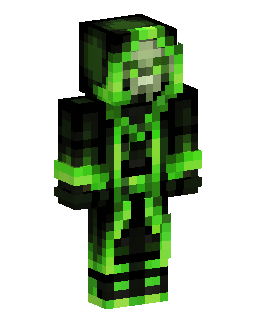 New
NewMORE ABOUT SKIN COLLECTION
Explore Thousands of Minecraft Skins
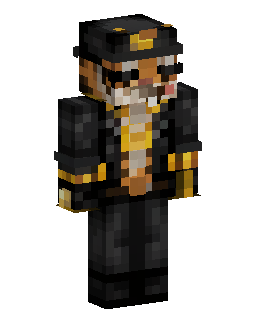
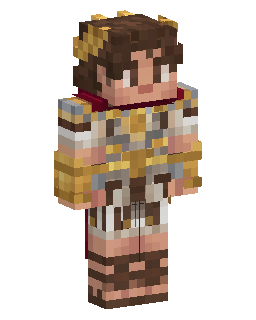
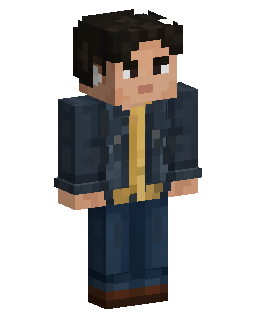
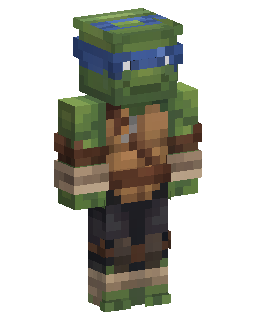
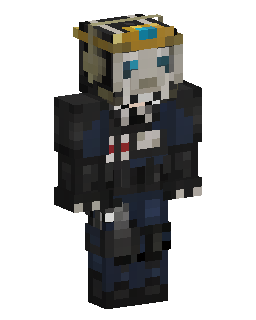
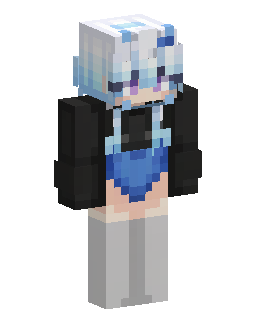
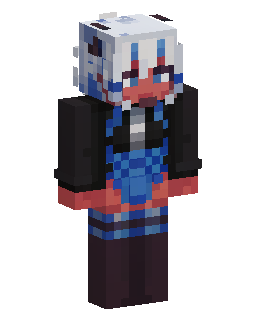
Browse thousands of Minecraft skins and preview every design as a real 3D character before downloading it. Rotate the model to check the front, back and sides instead of judging a skin from a flat texture sheet.
Skins are organized by tags, characters, themes and colours, making it easier to find a specific style or discover something new. Open any skin to see its full 3D preview, model type and details, then download the PNG or customize it online.
Downloads are free and no account is required. The library includes skins made for Minecraft Java Edition and Bedrock Edition, with both Classic and Slim character models.
Find the Right Minecraft Skin
Use search and tags to narrow the library by character, game, style, colour or theme. Popular categories make it easy to move from a broad search to a more specific collection without scrolling through unrelated skins.
Each skin has its own page where you can inspect the design in 3D, download the original file, see related tags and open it directly in the Minecraft skin editor if you want to change it.
Edit or Create Your Own Minecraft Skin
You do not have to use a skin exactly as you find it. Open any design in the browser skin editor to change colours, clothing, individual pixels or specific body parts in 2D and 3D.
If you want something completely original, turn a photo into a Minecraft skin, generate a Minecraft skin from text, or convert a character image into a Minecraft skin. You can also turn a Roblox avatar into a Minecraft skin.
Skins you create can be downloaded for your own character or published to the library for other players to discover.
Minecraft Skins FAQ
Are Minecraft skins in the library free to download?
+
Yes. Skins in the library are free to download, and you do not need an account to save a skin. Open any design to preview it in 3D and download the PNG.
Can I use these skins in Minecraft Java Edition and Bedrock Edition?
+
The library includes Minecraft skins that can be used with Java Edition and Bedrock Edition. Check the skin and model before importing it, especially when choosing between Classic and Slim character models.
What is the difference between Classic and Slim Minecraft skins?
+
Classic skins use 4-pixel-wide arms, while Slim skins use 3-pixel-wide arms. The 3D preview shows the character model so you can check how the skin looks before downloading it.
How do I download a Minecraft skin?
+
Open the skin you want, check it in the 3D preview and use the download option to save the skin PNG. You can then import the file into Minecraft or open it in the editor first.
How do I put a custom skin on Minecraft?
+
On Java Edition, download the skin PNG and upload it through your Minecraft profile. On Bedrock Edition, open the Dressing Room, choose a Classic Skin and import the downloaded file.
Can I edit a Minecraft skin before downloading it?
+
Yes. Open a skin in the Minecraft skin editor to change pixels, colours, layers and individual body parts before saving your version.
Can I make my own Minecraft skin?
+
Yes. You can draw one manually in the editor or use Photo2Skin to generate a playable skin from a photo, image or text description.
Can I upload my own Minecraft skins to the library?
+
Yes. Custom skins you create can be published to the library with a name and relevant tags so other players can find them.