
MORE ABOUT THIS TOOL
Turn Any Image into a Minecraft Build
Have a photo of a building you want in Minecraft? Upload it to Photo2Skin's Image to Minecraft Build Generator and turn it into a 3D structure made from Minecraft blocks. Start with a real-world photograph, a picture from your gallery, an architectural drawing or a sketch of your own design.
The image becomes a visual reference for AI generation. You can add instructions to guide the result, inspect the finished structure from every angle and download it for Minecraft Java or Bedrock. No need to recreate the reference one block at a time.
What Images Can You Turn into Minecraft Builds?
You don't need a professionally prepared reference. Different types of pictures can help the AI understand the shape, appearance and style of what you want to create.
| Image type | What you can create | Helpful tip |
|---|---|---|
| Real-world photos | Your house, a landmark, a cabin or a city building | Choose a clear view showing the building's overall shape. |
| Drawings and sketches | Original houses, fantasy towers and custom structures | Use clear outlines and add notes about important details. |
| Architectural references | Buildings inspired by elevations, concept art or exterior designs | Include a perspective view when possible. |
| Game and fantasy artwork | Castles, temples, spaceships and fictional architecture | Describe which features should be preserved. |
| Pictures of objects | Large decorative models, vehicles and sculptures | Use a recognizable silhouette with minimal background clutter. |
How to Convert a Photo into a Minecraft Build
- Choose your picture. Select a photo, screenshot, illustration or drawing that shows what you want to recreate.
- Upload the reference. Add the image to the Minecraft build generator.
- Explain the important details. Optionally describe the materials, colors, scale or features you want the AI to prioritize.
- Select the generation settings. Choose the available build size and quality level.
- Generate and inspect. Let the AI interpret your reference, then examine the resulting structure in the 3D viewer.
- Refine or export. Request adjustments if needed, then download your build or follow its Minecraft building blueprint.
How to Get a Better Result from Your Reference Image
The quality of the reference matters. A recognizable subject with visible architectural details gives the AI more useful information than a blurry picture or a heavily obstructed view.
Choose an Angle That Shows the Structure
For buildings, a three-quarter view is often more informative than a straight-on photo because it reveals the front, side and roof. If the picture only shows one wall, the AI must interpret the unseen parts.
Keep the Main Subject Easy to Identify
Try to use an image where the building or object is clearly visible. Trees, crowds, vehicles and other foreground elements can make it harder to determine which details belong to the intended structure.
Add Instructions for Details the Picture Cannot Show
A photograph rarely reveals everything about a building. Use the optional text field to specify details such as interior rooms, roof materials, additional floors or the surrounding landscape.
For example, upload a photograph of a cottage and add:
Recreate the cottage with a steep spruce roof, stone chimney and wooden porch. Make the interior accessible, with two floors and a staircase.
This helps distinguish what is visible in the picture from what you want the Minecraft version to include.
From a Flat Picture to a 3D Minecraft Structure
A normal photograph captures a scene from one viewpoint. A Minecraft build needs depth, volume and a complete arrangement of blocks. The AI interprets the visible reference and generates a three-dimensional structure rather than simply placing colored blocks on a flat surface.
That distinction matters when converting photographs of houses, monuments and objects. The goal is a Minecraft structure you can explore, not a pixelated copy of the original image.
Because the image does not show every side or interior detail, the generated build is an interpretation rather than an exact architectural reconstruction. Complex curves, tiny decorations and unusual materials may also be simplified to fit Minecraft's block-based geometry.
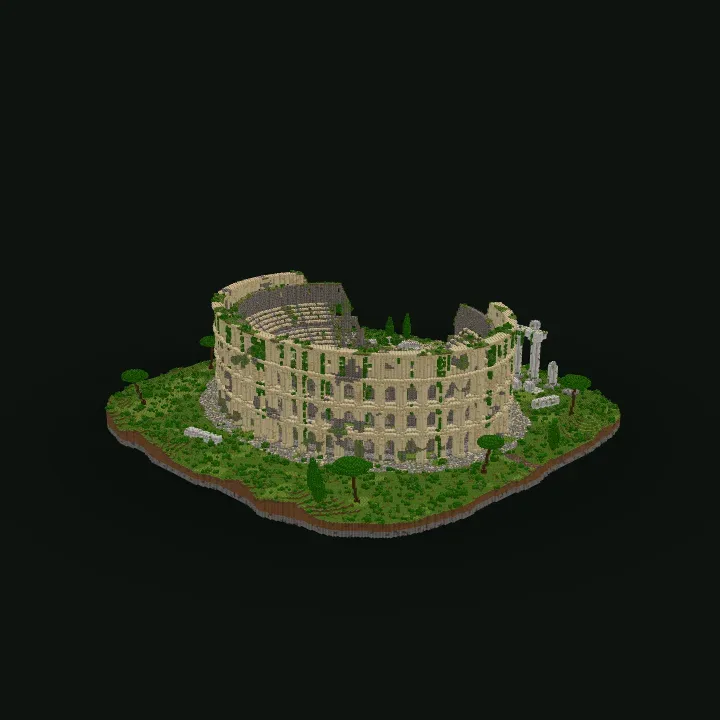
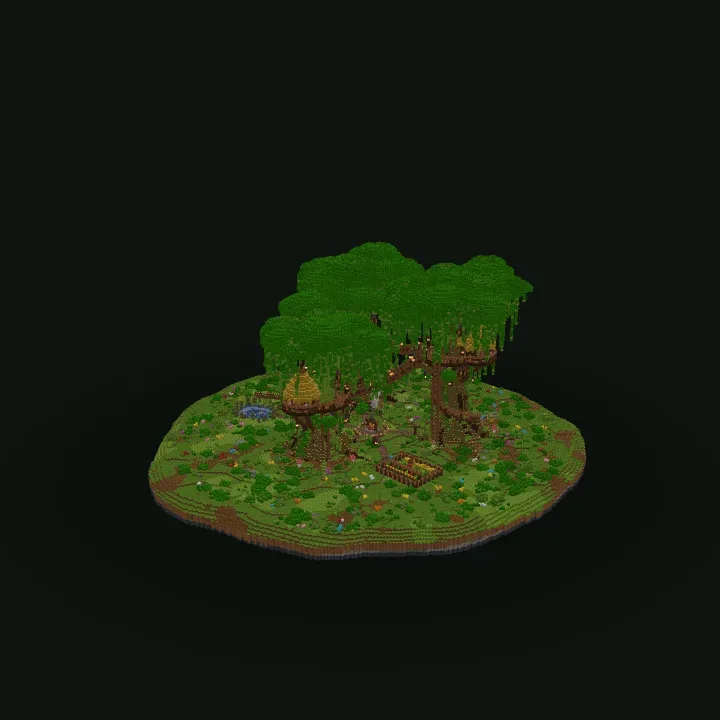
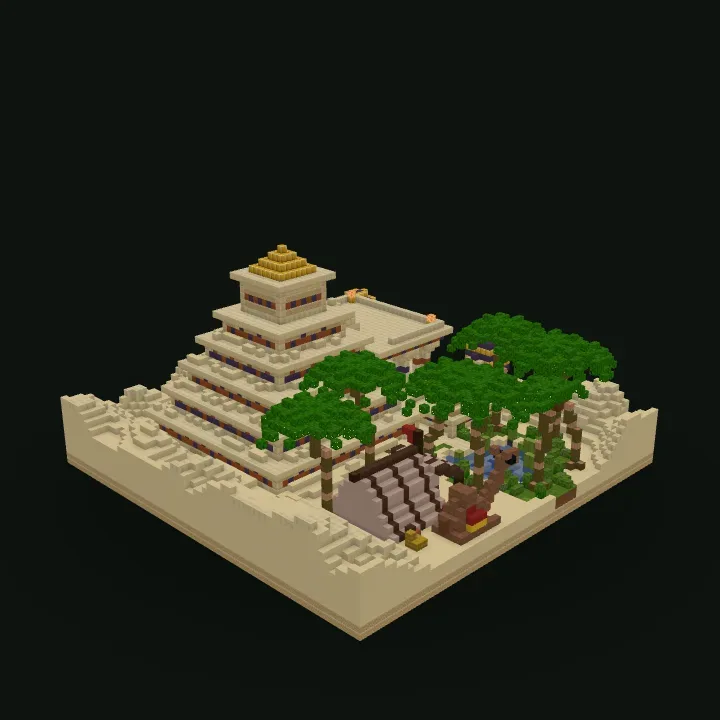
Photo to Minecraft Build vs. Image Pixel Art
Turning an image into a Minecraft build is different from converting it into pixel art. Both use pictures as references, but the resulting creations serve different purposes.
| Feature | Image to Minecraft Build | Minecraft Pixel Art |
|---|---|---|
| Result | A three-dimensional block structure | A flat or mostly flat arrangement of colored blocks |
| Best for | Buildings, landmarks, objects and sculptures | Logos, portraits, sprites and decorative pictures |
| Depth | Includes interpreted 3D shape and volume | Primarily reproduces the image's visible colors |
| Exploration | Can be inspected from different angles and walked through where the design allows | Usually intended to be viewed from one direction |
Recreate Real Places and Original Designs in Minecraft
Image-based generation is especially useful when you already know what you want but don't know how to describe its appearance precisely.
- Your own home: Use an exterior photo as the starting point for a Minecraft version of your house.
- Travel landmarks: Reimagine recognizable buildings and monuments as block-based structures.
- Hand-drawn ideas: Turn a rough concept sketch into a model you can examine from multiple sides.
- Fantasy architecture: Use concept artwork to guide the shape and atmosphere of a fictional building.
- Custom sculptures: Transform pictures of animals, objects or characters into large Minecraft models.
Improve Your Build Without Starting from Scratch
Sometimes the first result captures the overall design but misses a detail that matters to you. You can continue from the generated build and ask the AI to adjust specific features.
For example, you might keep the shape of a photographed house while changing its walls to stone, extending the roof or adding windows. Each revision creates another version, so you can compare the results and return to an earlier one.
Once the design is ready, use the interactive 3D preview to inspect the exterior, examine accessible interiors and decide whether anything else needs changing.
Use Your Image-Based Build in Minecraft
Your finished creation can be downloaded in formats for Minecraft Java and Bedrock Edition. Choose a complete world if you want to explore the structure in-game, or use a compatible structure or schematic file when you want to place it into an existing world.
- Java Edition: Download a Java world, WorldEdit schematic or Litematica file, depending on how you want to use the build.
- Bedrock Edition: Download a Bedrock world or a supported structure or add-on format.
- Manual construction: Follow the building blueprint to recreate the generated design layer by layer.
If you don't have a reference image, you can create a structure entirely from a written description using the Text to Minecraft Build Generator. For both methods, editing tools and all available export options, visit the main AI Minecraft Build Generator.
Image to Minecraft Build FAQ
Can I turn a real photo into a Minecraft building?
+
Yes. Upload a photograph of a house, landmark or another structure. The AI uses its visible shape and appearance as a reference to generate a three-dimensional Minecraft build.
Can I convert a drawing or sketch into a Minecraft build?
+
Yes. Drawings, sketches and architectural illustrations can be used as references. Clear outlines and a short description of the intended materials or details can help guide generation.
Will the Minecraft build look exactly like my photo?
+
Not necessarily. A single image cannot show every side of a structure, and Minecraft uses cubic blocks rather than real-world geometry. The AI interprets missing details and adapts the design to Minecraft's building system.
Can I use a screenshot instead of a photograph?
+
Yes. You can use screenshots, digital illustrations and other reference pictures. Choose an image that clearly shows the subject you want to recreate.
Can I add text instructions to an uploaded picture?
+
Yes. You can combine an image with written instructions to specify materials, dimensions, architectural features or changes that aren't visible in the reference.
Can I create a Minecraft build from a floor plan?
+
You can upload a floor plan as a reference, but a flat plan may not provide enough information about the building's height, roof or exterior. Add a description of those features, and expect the AI to interpret missing details rather than reproduce exact architectural measurements.
Can I download the result for Minecraft Bedrock or Java?
+
Yes. The generator supports export formats for both editions, including complete worlds and compatible structure files. Choose the format that matches your game and preferred import method.
Can I get a blueprint of a build generated from a picture?
+
Yes. Building blueprints provide a layer-by-layer guide to help you recreate the generated structure manually using Minecraft blocks.
Does converting an image into a Minecraft build cost credits?
+
Yes. AI generation uses credits based on the selected build size and quality. The required amount is displayed before generation starts.